显示标签为“Autel MaxiIM 608”的博文。显示所有博文

2022年4月1日星期五

About Autel IM508/608 Program A New PCM on Honda Acura Guide


This article is about to show you how to program a new PCM for most Hondas and Acuras using Autel MaxiIM IM508/IM608.

Here we have a Acura MDX 2005 to handle by the Autel IM508 Key Programmer.

This is the 3rd generation immobilizer, which is used on many Hondas like Accord or Acuras like TLX.

The car won’t start because of the new ECU in.
Autel IM508608 Program A New PCM on Honda Acura Guide-5-1 (2)
We will reprogram it, so the key will work again.
Go to

IMMO>>Acura>>Automatic selection

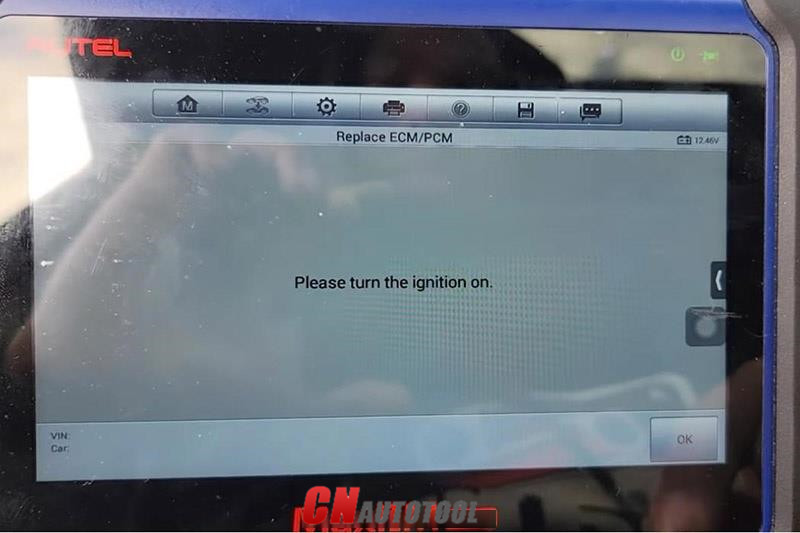
Turn on the ignition so it will pull out the VIN.

Then go to

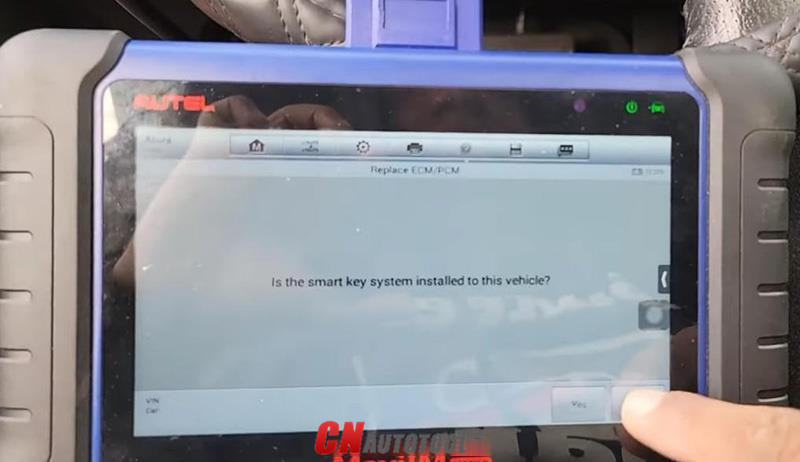
The 3rd mechanical key system>>Replace ECM/PCM
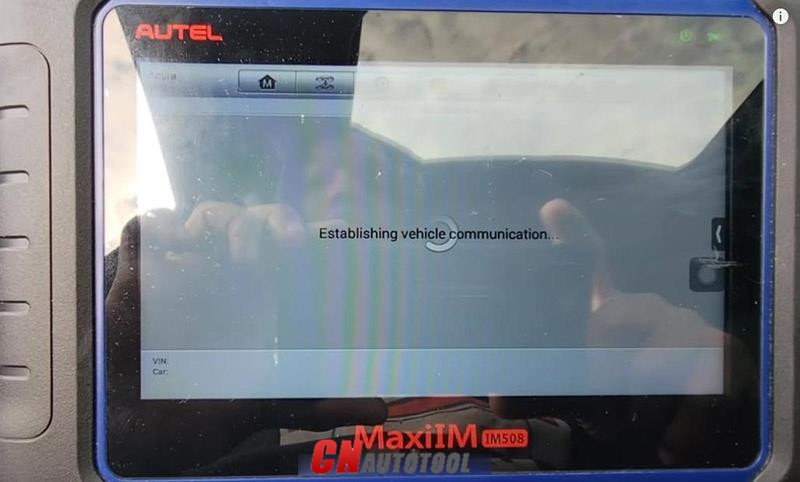
Autel IM508608 Program A New PCM on Honda Acura Guide-5-2 (2)

Autel IM508608 Program A New PCM on Honda Acura Guide-5-3 (2)

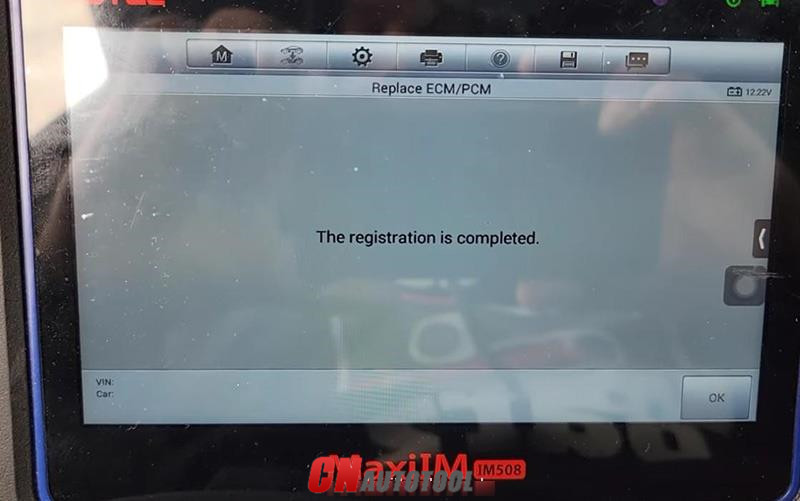
After about 5 minutes, we’ve registered the PCM.
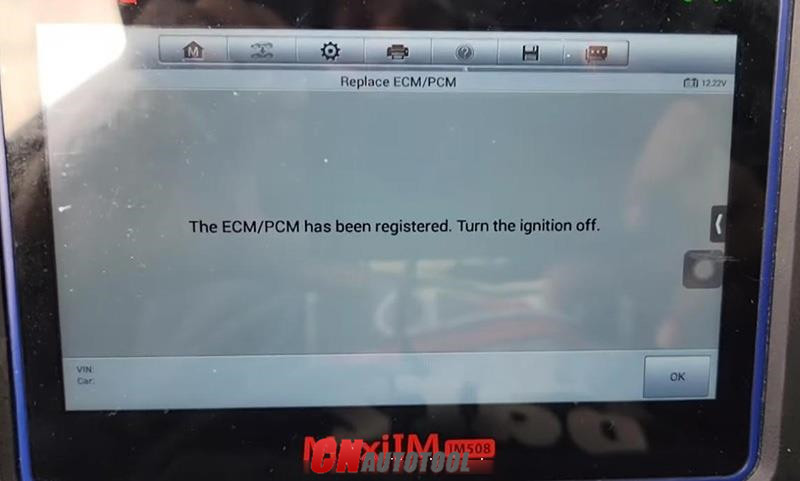
Autel IM508608 Program A New PCM on Honda Acura Guide-5-4 (2)

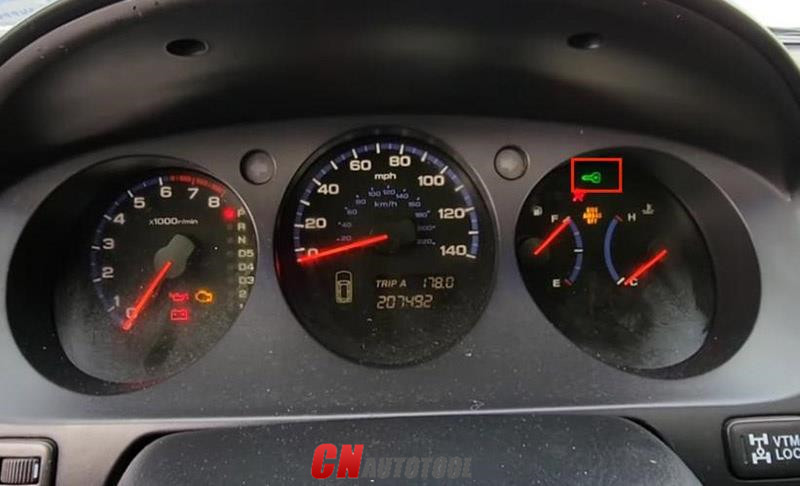
Meanwhile, the immobilizer light disappears.
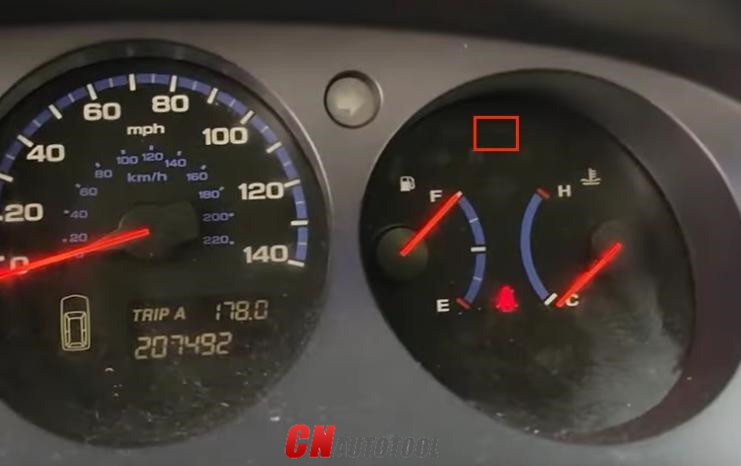
Autel IM508608 Program A New PCM on Honda Acura Guide-5-5 (2)

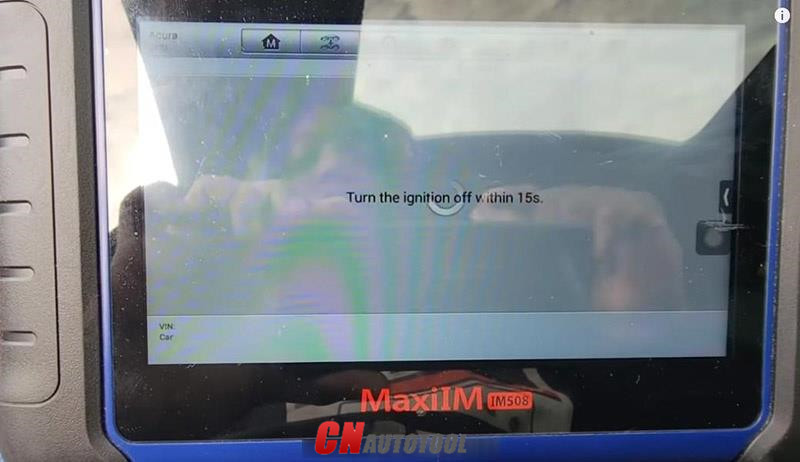
Turn off the ignition as required.

Follow instructions to check keys.
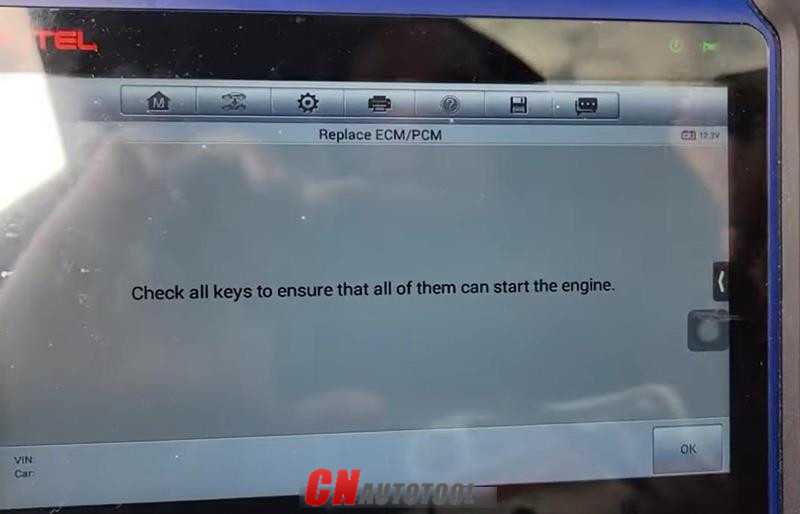
Autel IM508608 Program A New PCM on Honda Acura Guide-5-6 (2)

Autel IM508608 Program A New PCM on Honda Acura Guide-5-7 (2)

Autel IM508608 Program A New PCM on Honda Acura Guide-5-8 (2)

Autel IM508608 Program A New PCM on Honda Acura Guide-5-9 (2)

The car starts without any issues.

Done! Nice and simple!

That’s the guide of programming a new PCM module using Autel IM508/Autel IM608.

Any questions, contact us with sale@cnautotool.com

2022年1月2日星期日

How to Use Autel IM608 Generic OBD II Function


Autel MaxiIM 608,A fast-access option for OBD II/EOBD vehicle diagnosis is available on the Vehicle Menu screen. This option presents a quick way to check for DTCs,isolate the cause of an illuminated malfunction indicator lamp (MIL), check monitor status prior to emissions certification testing, verify repairs, and perform a number of other services that are emissions-related. The OBD direct access option is also used for testing OBD II/EOBD compliant vehicles that are not included in the Diagnostics database.

Functions of the diagnostics toolbar buttons at the top of the screen are the same as those available for specific vehicle diagnostics.

Autel IM608 General Procedure
To access the OBD II/EOBD diagnostics functions
1. Tap the Diagnostics application button from the MaxiIM Job Menu.
The Vehicle Menu displays.
2. Tap the EOBD button. There are two options to establish communication with the vehicle.

Auto Scan – when this option is selected the diagnostic tool attempts to establish communication using each protocol in order to determine which one the vehicle is broadcasting on.Protocol – when this option is selected the screen opens a submenu of various protocols. A communication protocol is a standardized way of data communication between an ECM and a diagnostic tool. Global OBD may use several different communication protocols.
3. Select a specific protocol under the Protocol option. Wait for the OBD II Diagnostic Menu to appear.

NOTE
Tapping the button displayed beside the function name opens a bubble with additional function information.

4. Select a function option to continue.
DTC & FFD
I/M Readiness
Live Data
On-Board Monitor
Component Test
Vehicle Information
Vehicle Status

Autel MaxiIM IM608 Highlights:
1.Free Update Online for 1 Year, after one year, it will cost $1100
2.Warranty for 12 Months.
3.ADVANCED IMMO & KEY PROGRAMMING
4.OE-Level Diagnostic and Service Functions as MaxiSYS Pro
5.with XP400 and MaxiFlash JVCI for ECU Programming
6. Language: English, Spanish and French. (We can ship to Spain and France now)
7. Autel have released BMW CAS4/CAS4+ through OBD update!

Autel MaxiIM IM608 Features:
The IM608 is an OE-Level Diagnostic and Service Functions as MaxiSYS Pro with additional software and accessories for IMMO and key programming.
1. Extraordinarily powerful Cortex A7+A15 six-core processor
2. 10.1-inch LED capacitive touch screen with 1920×1200 resolution
3. Internal reliable 64GB On-board Memory for better performance
4. Built-in 8-megapixel rear camera with autofocus and flashlight
5. 802.11 a/b/g/n/ac Wi-Fi to access your favorite web resources
6. Open source Android Operating System for fast boot-up and multitasking
7. Powerful combination of advanced key programming/all systems diagnostics/advanced maintenance services
8. Professional key programming equipped with XP400 key programmer and MaxiFlash ECU programmer for complete Immo coverage
9. Smart mode for guided and automated key learning
10. Expert mode for advanced key learning
11. Read PIN/CS (all key lost), generate key, key learning, remote learning
12. IMMO ECU reset/adaptation, refresh/coding
13. Read/write transponder data, ECU/MCU/EEPROM data (eg. 9S12 encryption chip), IC card, detect remote frequency
14. Powerful OE level diagnostics for more than 80 US, Asian and European makes and models
15. Complete capabilities for codes, live data, active test, ECU information, adaptation, matching, coding etc.
16. All special functions, EPB, DPF, SAS, Oil reset, BMS, TPMS sensor ID relearn, etc.


2021年12月18日星期六

Autel IM608 IM508 Add 2021 Lincoln Navigator Key OK


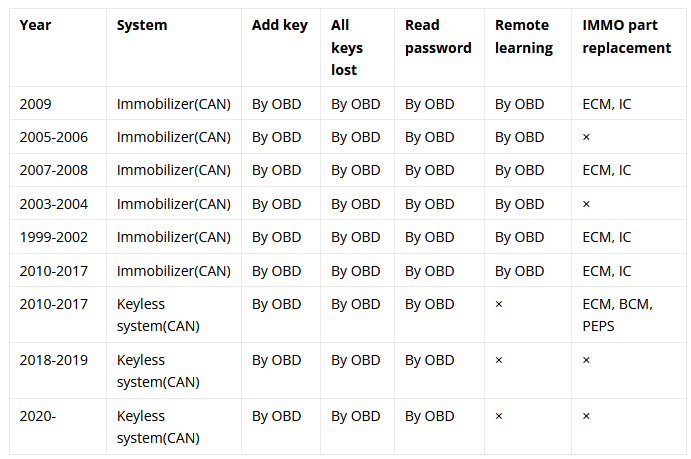
Autel MaxiIM IM608, IM508 Key Programmer can support to add 2021 Lincoln Navigator smart keys via OBD successfully. Moreover, all keys lost & read password are supported as well. More details please check car list below.

IM608 IM508 Lincoln Navigator IMMO Function Car List

Autel IM608 IM508 Add 2021 Lincoln Navigator Key OK-0

How to add a 2021 Lincoln Navigator Key with IM508?

Here’s taking Autel IM508 to program a keyless aftermarket key on 2021 Lincoln Navigator for reference.

Connect OBD cable to the port under driver-side dash, go access

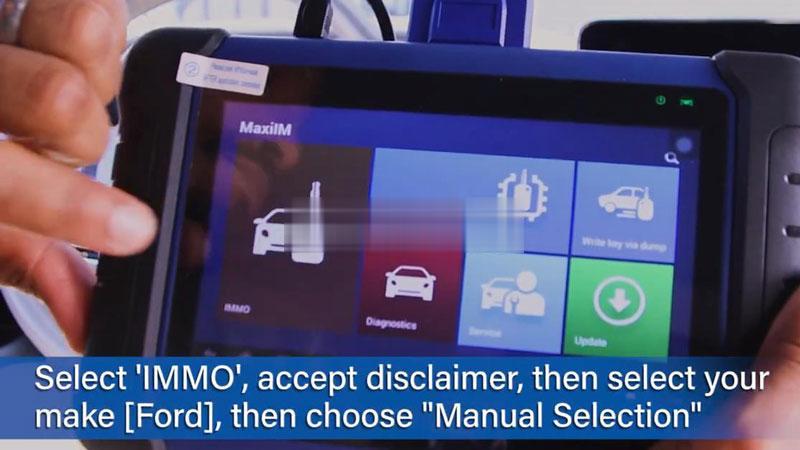
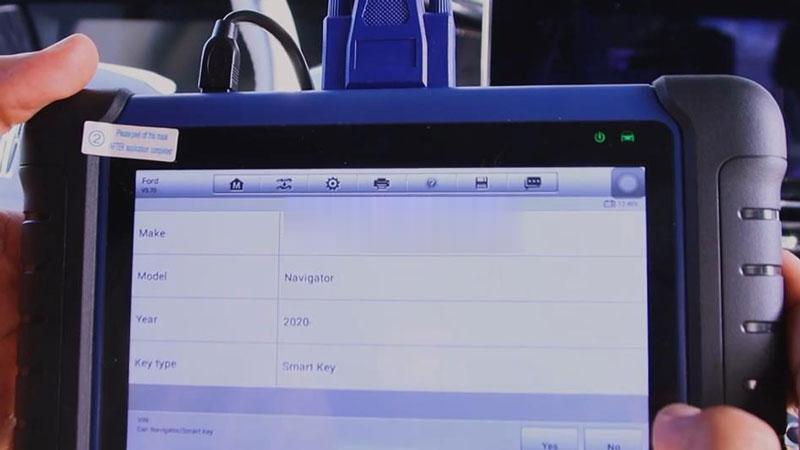
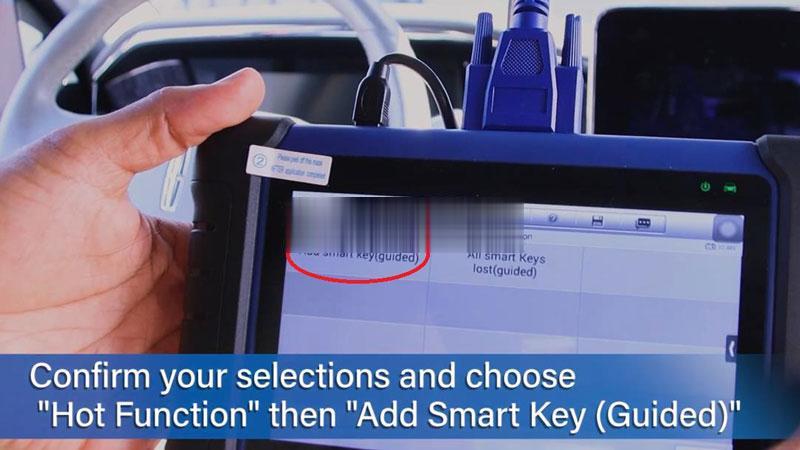
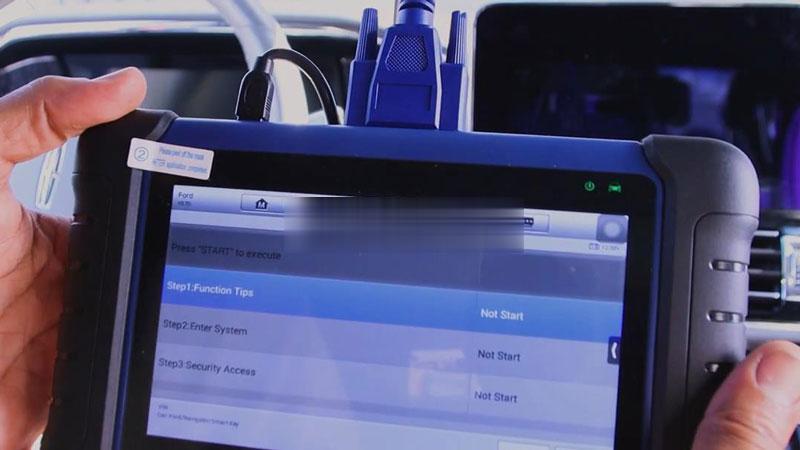
IMMO >> Accept >> Ford >> Manual selection >> Lincoln >> Navigator >> 2020- >> Smart key >> Yes >> Hot function >> Add smart key(guided) >> Start to begin

autel-im608-im508-add-2021-lincoln-navigator-key-ok-1 (2)
autel-im608-im508-add-2021-lincoln-navigator-key-ok-2 (2)
autel-im608-im508-add-2021-lincoln-navigator-key-ok-3 (2)
autel-im608-im508-add-2021-lincoln-navigator-key-ok-4 (2)

Read the notice, press “Yes”.

The function will not erase existing keys.

Specify vehicle alarm state(off/on).

Wait 10mins to bypass the security system…

Once complete, confirm number of keys in system and continue.

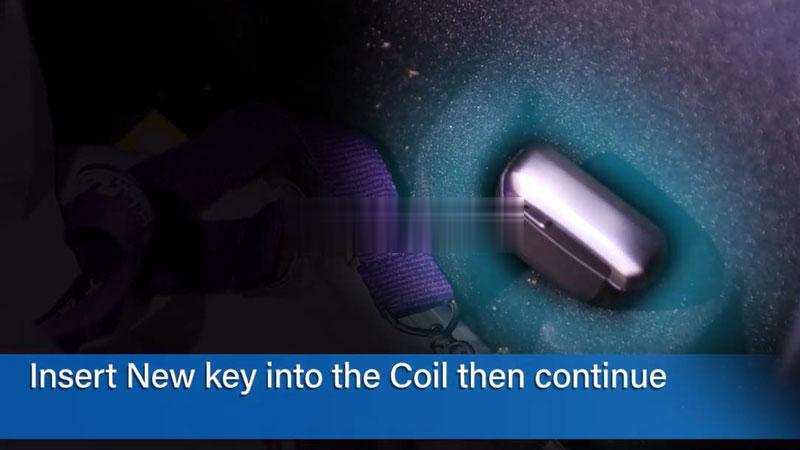
Insert the new key into key coil and continue.

(This vehicle key coil is in the Armrest box)

autel-im608-im508-add-2021-lincoln-navigator-key-ok-5 (2)

Key learned success!

Once learned, you can go on programming next one or exit directly.

Test the new key.

All functions work.

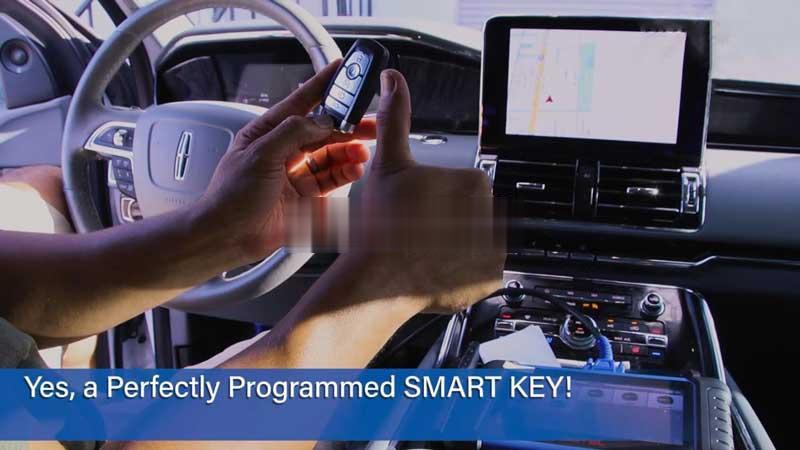
A perfectly programmed smart key has done.

autel-im608-im508-add-2021-lincoln-navigator-key-ok-6 (2)

Details :https://www.cnautotool.com/goods-6873-Autel-MaxiIM-IM608-Diagnostic-Key-Programming-and-ECU-Coding-Tool-Replaces-Auro-OtoSys-IM600–MX808IM.html