显示标签为“BMW diagnostic tool”的博文。显示所有博文

2021年2月23日星期二

Do you know How to use BMW ICOM software for Mini R56 diagnostics and programming?


Confirmed! you can use BMW ICOM software ISTA-D and ISTA-P for Mini R56 diagnostics and programming.

If Mini R56 is in the F-series category then:

Try this sequence.

Turn off all Antivirus or remove them all together and turn off windows defended and firewall then :

1st>Plug in driver’s seat belt:

2nd>Tern on terminal 15:

3rd> Give a minute for control units too boot up,

then connect the ICOM emulator to DLC 16 Pin connector,

then allow ip address to set in tcp/ip setting in windows.

Then go ahead and try establish connection Mini R56.

If this procedure doesn’t work then try out another interface like Enet cable for Mini R56

Have tried

4.9 Loader 6.1 and 6.4l lite
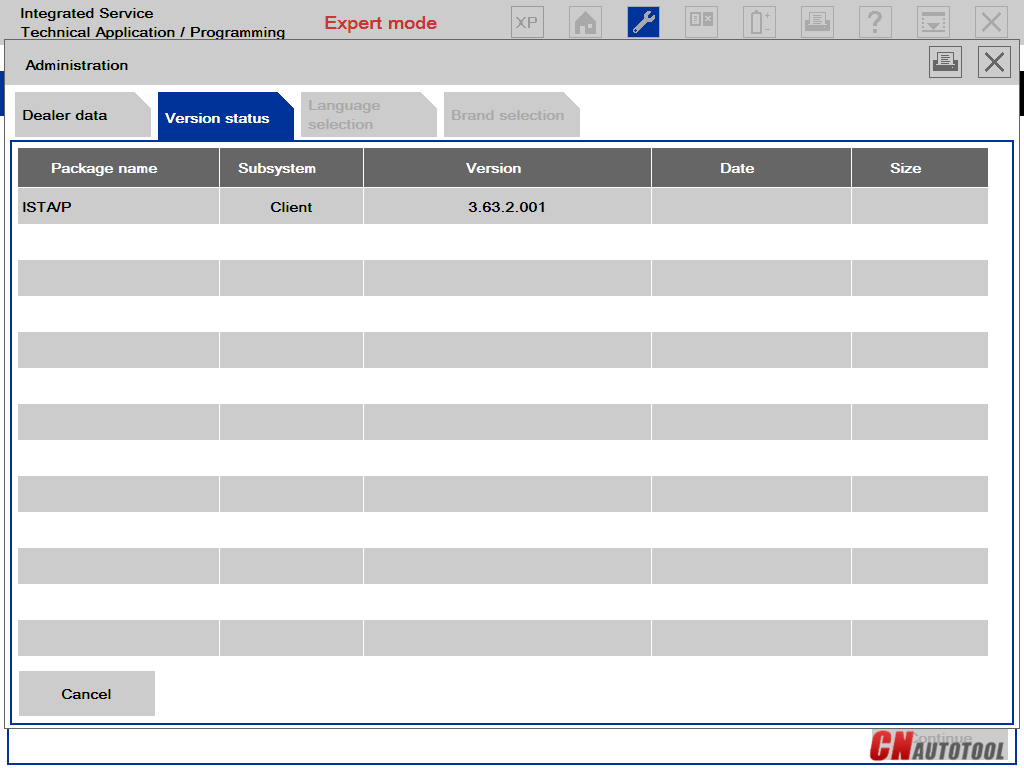
ISTA-P 3.65.1.002
ISTA-P 3.65.0.500

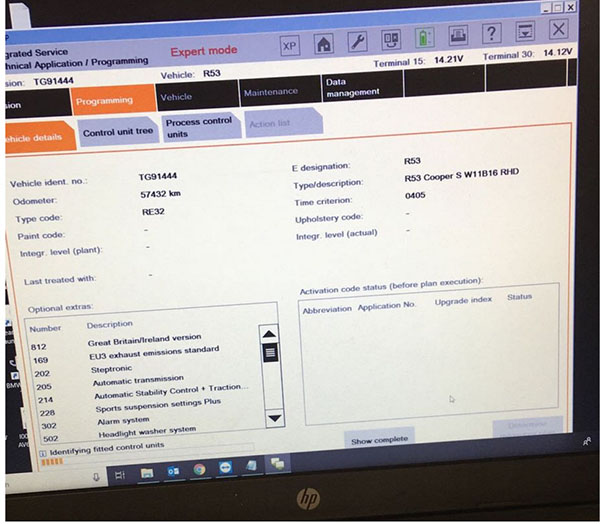
I reinstalled Windows all net-frames and latest ISTA-P Minis working great
26-1

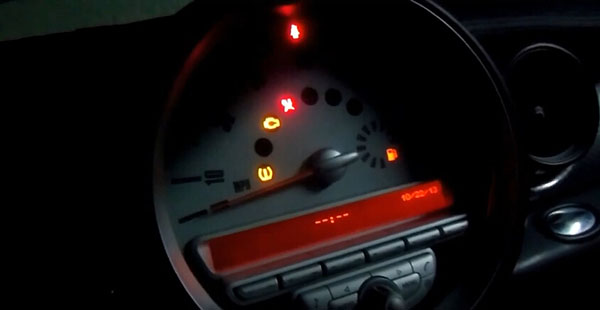
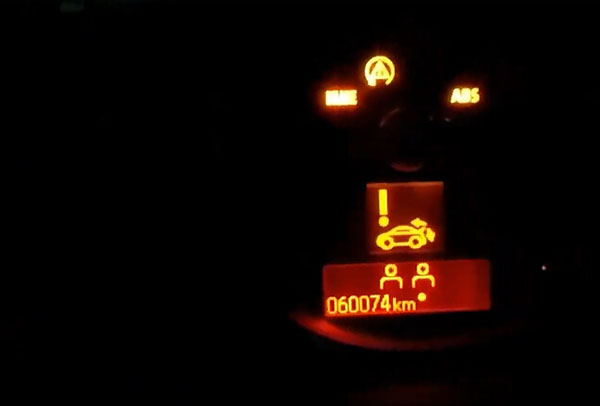
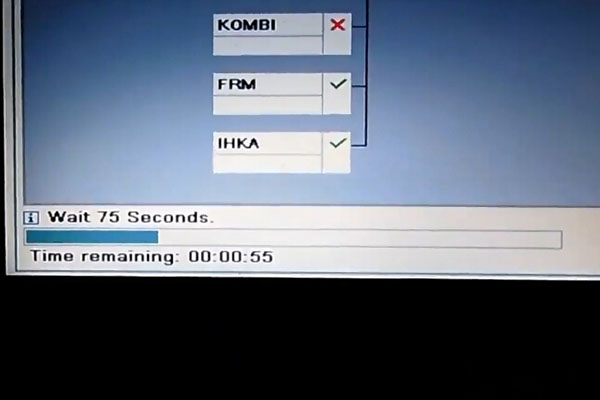
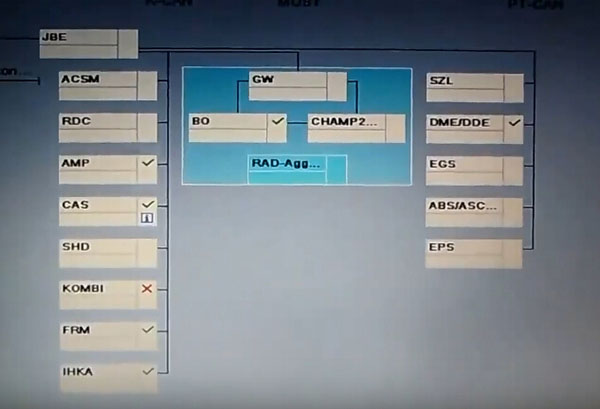
BMW ISTA tests on Mini R56
26-2
26-3
26-4
26-5
26-6
26-7
26-8
26-9

www.cnautotool.com


http://autotool.biz/2021/02/24/do-you-know-how-to-use-bmw-icom-software-for-mini-r56-diagnostics-and-programming/

2018年9月6日星期四

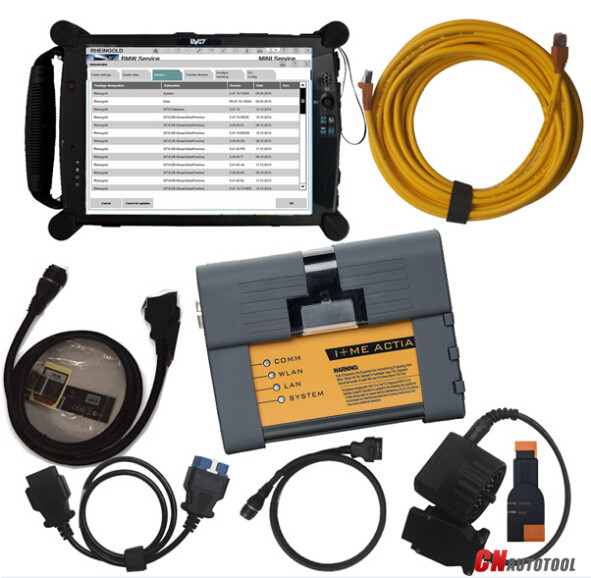
BMW ICOM A2+B+C with 2018.07 Software Plus EVG7 Diagnostic Controller Tablet PC


BMW ICOM A2+B+C with 2018.07 Software Plus EVG7 Diagnostic Controller Tablet PC
3-1
Software Version : V2018.07
ISTA - D: V4.11.30,with SDP data V4.11.30
ISTA - P: 3.64.2 with Engineer Programming
can program F/G/I/K chassis for car (through the ICOM, not other cable )
Vin: V2018.06
BMW ETK: 2018.06
BMW KSD: 2018.05  Multilanguage
BMW FSC Navigation Code Generator
BMWAiCoder for BMW Coding
3-2
BMW ICOM A2+B+C Function:
* Interface A2 - OBD diagnostic supporting MOST, D-CAN and K-CAN protocols.
* Interface B - diagnostic via MOST bus, and have connection to A-interface via USB connection.
* Interface C - 20-pin cable for old models.
Support Multi-language in diagnose and programming, also TIS diagram circuit: American English/ British English/ German/
Spanish/ French/ Italian/ polish/ Portuguese/ Turkish/ Czech/ Swedish/ Dutch/ Indian/ Greek/ Russian/ Simplified
Chinese/ Traditional Chinese/ Japanese/ Korean/ Thai.
3-3
EVG7 DL46/HDD500GB/DDR4GB Diagnostic Controller Tablet PC
1. Especially in the environment of vehicle repairing garage services.
2. Full-compatible for vehicle diagnostic devices software.
3. 4GB Memory, one year warranty, two color( black and white) available for choose.
This is from CnAutotool.com, more details can click :
Best Quality BMW ICOM A2 +B+C Diagnostic & Programming TOOL 2018.07 Engineers Version

2018年3月9日星期五

MB SD Connect C4/C5 BMW ICOM/ICOM A2 A3 HDD Setting


Customer’s problem:
We had purchased one set MB SD connect C5 with internal HDD from obd2tool, We really appreciate the faster shipment, all is well packed dhl week quickly received. But when we install the HDD to our computer, we have blue screen and doesn’t access to computer windows. We are wondering if we get the broken HDD……

Our Answers:

The BMW ICOM ICOM A2 A3 or MB STAR C4 C5 drives we assign to our customers are generally AHCI-mode hard drives with SATA port.

If your laptop BIOS is not set to the same hard drive mode (AHCI mode), if you connected to our hard drive to your computer, there will be a blue screen or can not find the hard drive.Please make sure your HDD is set to AHCI in the BIOS.

To check this you turn the laptop on and press F2, it will enter the BIOS. Now go to “ONBOARD DEVICES” or “SYSTEM CONFIGURATION” then go to “SATA OPERATION” press enter and make sure its set to AHCI not ATA or any other option.

Please have a minimum of 2GB of ram/memory in your laptop, a lot of people only have 512mb or 1gb, it is OK but the new system may run slow and its recommend to really have 4GB ram, but 2GB also can be enough.

– We can supply Laptop + Software all ready for you.
– We can supply FULL package C4 SD + Laptop + Software for you. MB Star Diagnostic Tools
– We can carry out some C4 SD repairs.
– Remote installations available (if you supply the correct HDD size and install the correct Windows OS).
– Teamviewer remote support available.

2018年2月20日星期二

How to use version BMW ICOM A2 ISTA for diagnostic car ?

How to use 2017.12 version BMW ICOM A2 ISTA for diagnostic car ?


BMW ICOM A2+B+C latest software version is 2017.12.   ISTA-D 4.05.32  ISTA-P 3.61.5    VIN: 2017.12   Now we show you how to use BMW icom A2 and ISTA D software ,check  all car module status and delete fault code history.  the operation steps is easy.

steps 1:  connect your BMW ICOM A2 main unit with your car, then open ISTA-D  4.05.32

You need to do  a vehicle test firstly.

go to ” vehicle information ” -” control unit free”-“start vehicle test”


click” yes” , then start vehicle test


steps 2: when finish vehicle test.  the faulty module will be display in yellow or red.  yellow means there is a error memory,  red means no response.

if you see there are all is green,   it means not problems at all.

press the “display fault memory ” button to check the error code.


steps 3:   click” vehicle management”-“troubleshooting” – ” fault memory”

you can see the error description with error code.   double click every item, you can see detail description of phenomenon.


just click” delete fault memory” to clear the faulty memory


BMW ICOM Software support Multi-language available in diagnosing, programming and TIS diagram circuit: American English, British English, German, Spanish, French, Italian, polish, Portuguese, Turkish, Czech, Swedish, Dutch, Indian, Greek, Russian, Simplified Chinese, Traditional Chinese, Japanese, Korean and Thai.