显示标签为“John Deere Service Advisor EDL v3 Adapter”的博文。显示所有博文

2021年4月27日星期二

The John Deere Service Advisor EDL v3 Adapter new information


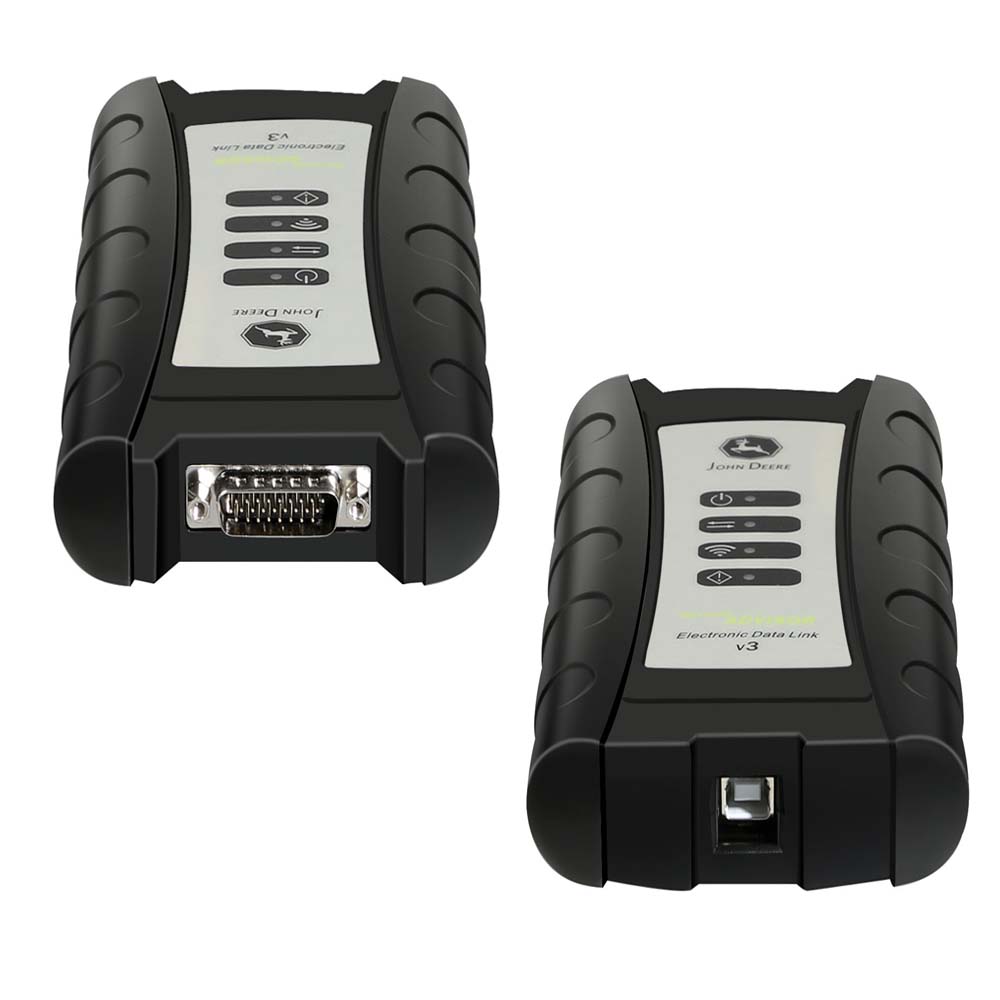
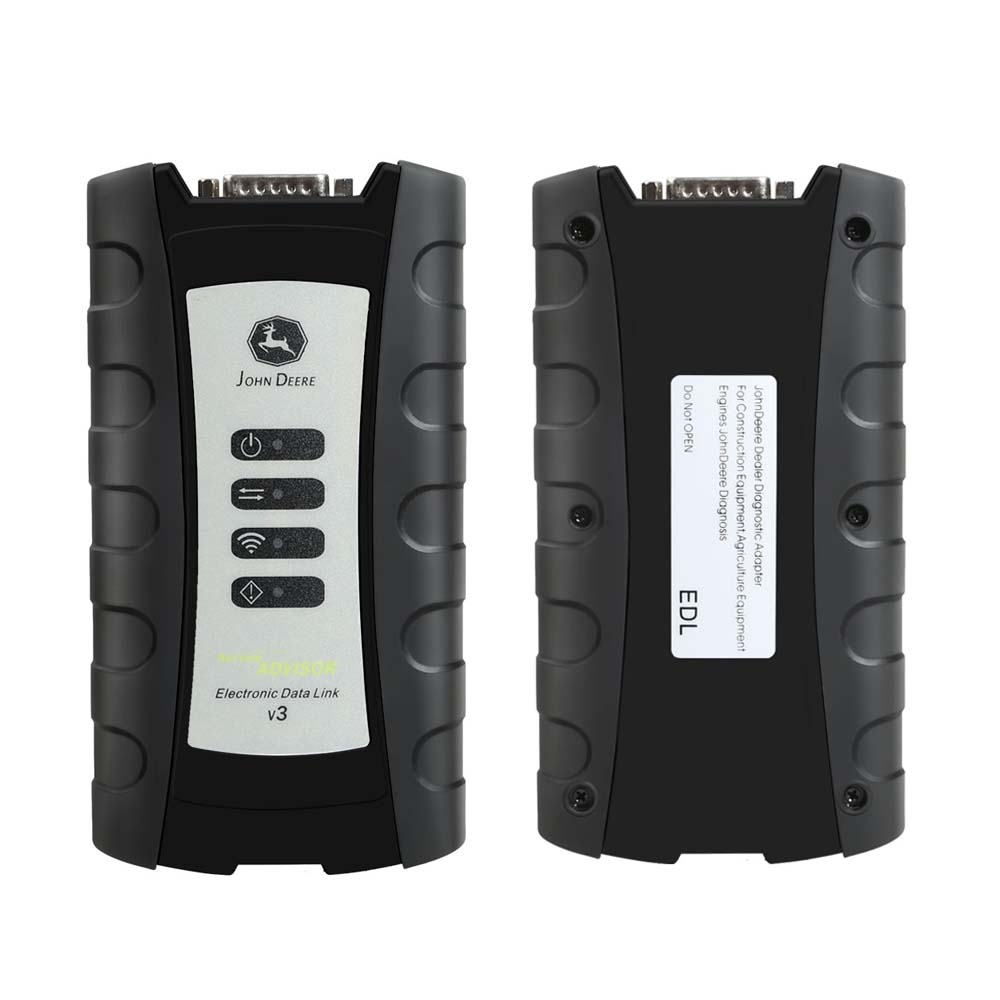
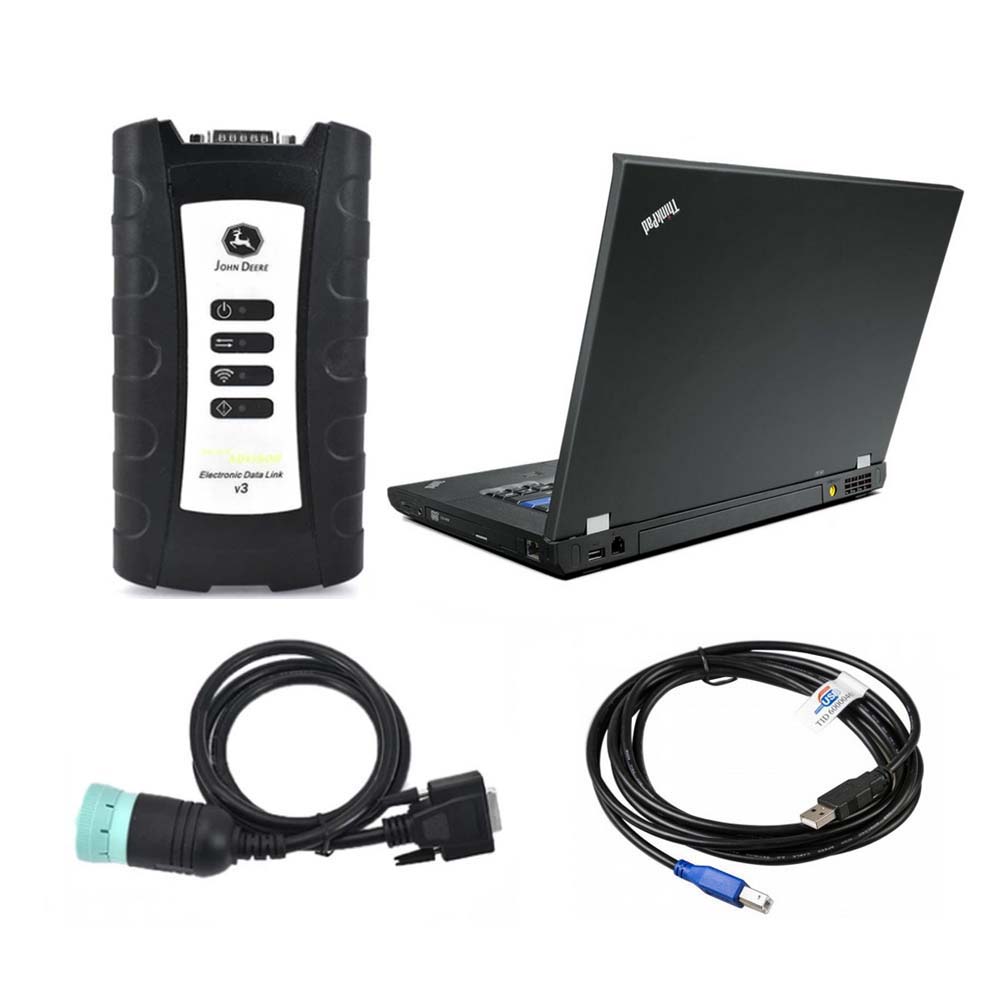
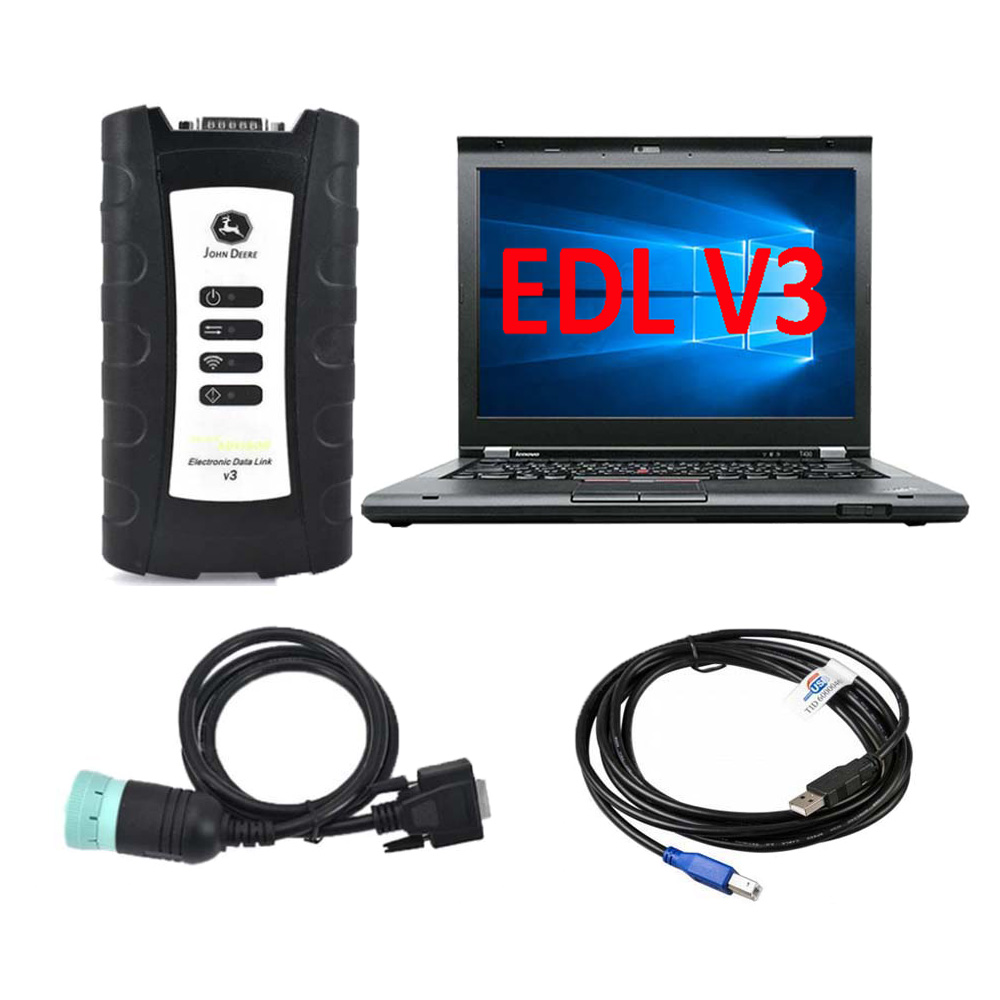
This is the John Deere Service Advisor EDL v3 Adapter. This is the newest adapter from John Deere, and it replaces the John Deere EDL v2.
25.5

Top 6 Reasons to get John Deere EDL V3 Adapter:

1) Latest version V5.2 Agriculture & Construction and Forestry,John Deere can support vehicle to year 2016

2) 1 year warranty

3) Online technical service by teamviewer if you have any issue

4) Real test with Jd and 100% work greatly

5) Multi-Languages: English, French, German, Italian, Portuguese, Russian, Spanish.

6) John Deere EDL V3 is compatible with specialize software dealer JD.

What are the the advantages of EDL V3 Data Link?

Improvements on EDL v3

Improved USB connector utilizing automotive grade latching system

Increased memory RAM

Improved vehicle communications processor

Support of multiple 500K baud rate CAN Bus recordings

Longer range wireless connectivity

Improved Bluetooth connection speeds utilizing Bluetooth 2.1 with EDR (J1939 compliant)

Functions and technical capabilities of JD diagnostic adapter:

Troubleshooting;

Setup and Calibration ECU;

Interactive tests;

Computer programming;

Diagnostic Code Reader, and much more.

This scanner is compatible with specialize software dealer JD.

It’s include 3 software and you can choose two free(AG+CF 4.2 or AG+CCE 4.2)we will installed software before delivery then you can use when pick up

1) JD Service Advisor 4.2 AG (Agriculture)

2) JD Service Advisor 4.2 CCE (Commercial and Consumer Equipment)

3) JD Service Advisor 4.2 CF (Construction and Forestry)

We will tested before shipping out, but if you are not sure whether it can support or not then pls tell us your john deere model and year so that we can confirm to you before make purchase.

EDL V3 compatible with V5.2 version software

1) John Deere Service Advisor ag (Agriculture) workshop service manual, repair manual, electrical wiring diagram, hydraulic diagram, diagnostic, assembly and disassembly engine, transmission.

2) John Deere Service Advisor CCE (Commercial and Consumer Equipment)dealer technical assistance, diagnostics, connection readings, calibrations, interactive tests, specification, tools, assemble and disassemble presented all models John Deere Construction Equipment and some models Hitachi, Euclid, Bell and Timberjack.

3) John Deere Service Advisor CF (Construction and Forestry) workshop service manual, repair manual, diagnostic, electrical wiring diagram, hydraulic diagram John Deere.
truk
www.cnautotool.com
For more information about Heavy Duty Truck Scanner ,please visit our website sale@cnautotool.com
2021年4月23日星期五

Electronic Data Link V3 Replaces EDL v2 Diagnostic Adapter


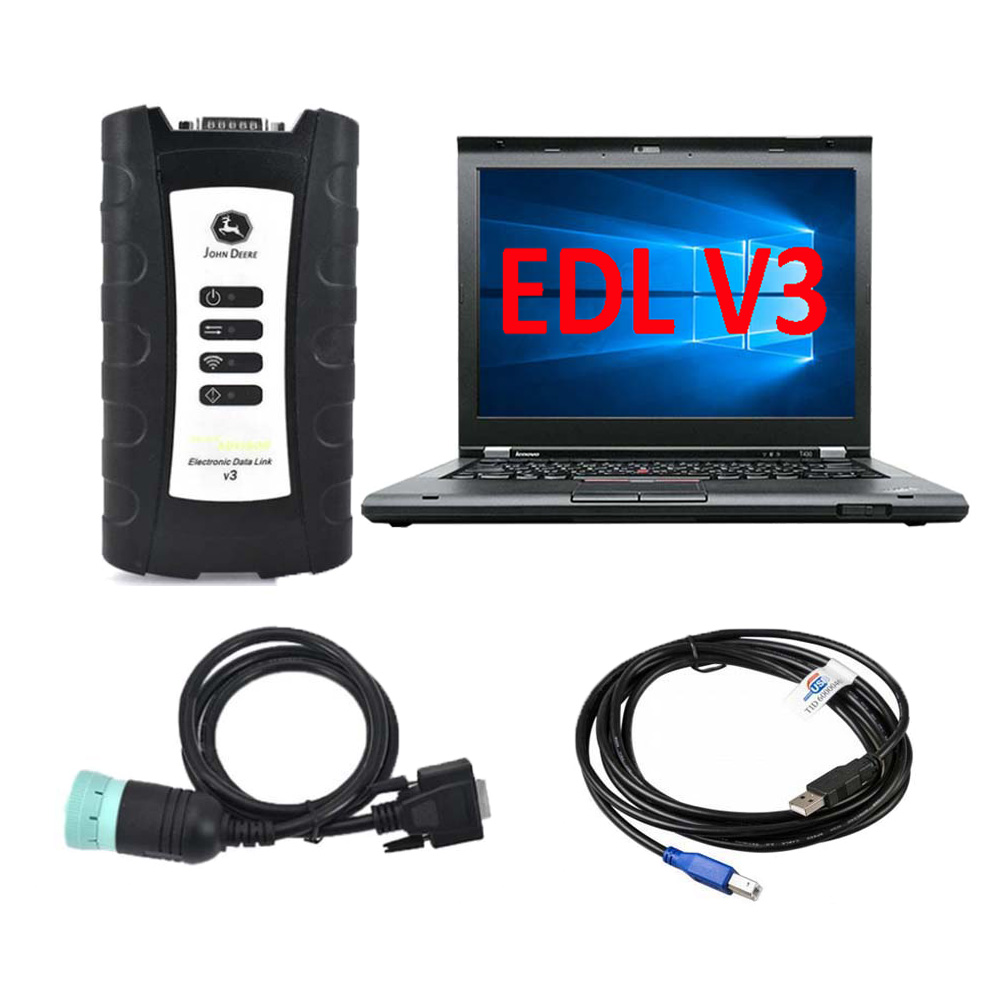
This is genuine John Deere Service Advisor EDL v3 Kit (replaces EDL v2). The product comes in a plastic case. The edl kit also includes the V3 Wireless Adapter, W1 Connector Cable DS10150 and the USB cable. There is not diagnostic software included with this item. If you need it, it can be purchased optionally. The links for the appropriate products located below.

Multifunctional John Deere dealer diagnostic tool is designed to serve the construction, agricultural and forestry equipment, as well as various engine technology produced by John Deere.

John Deere EDL v2 version has been replaced by JD EDL v3 kit. New EDL v3 kit doesn’t work with Service Advisor 4.2 version.

John Deere EDL v2/v3 drivers are built-in with Service Advisor application. Please do not try to install the driver by with yourself, using the setup files from any not reliable sources may lead to unstable work of your windows OS.

Important Notice. In some cases, after Service Advisor Setup the EDL drivers may be installed not correctly (the yellow exclamation mark near driver name) or even missing. The main reason is your anti-virus application or windows system settings. For this purpose, JD officially released the hotfix that allows reinstalling only the EDL driver. Please contact us for more information.

The communication unit s a part of the John Deere Service Advisor system

Functions and technical capabilities of John Deere diagnostic adapter:

– Troubleshooting;
– Setup and Calibration ECU;
– Interactive tests;
– Computer programming;
– Diagnostic Code Reader, and much more.

This scanner is compatible only with specialized software JD Service Advisor 5.2.461 or higher.

This product includes:
– Storage Box (Part # SA5025)
– USB Cable (Part # SA5026)
– DS10150 (Part # DS10150)
– EDL v3 Wireless Adapter (Part # SA5022)

The EDL (Electronic Data Link) v3 diagnostic adapter kit works in cooperation with the dealer software JD Service Advisor™.
With Service Advisor™ you can view service manuals, use DTAC (Dealer Technical Assistance Center) data, make diagnostics, readings, tests and calibrations, re-program controllers.

The most up-to-date versions of the software(The Service Advisor software is not included in the EDL kit; you need to purchase it separately):

JD Service ADVISOR 5.2 [2020] AG (Agriculture and Turf division),
JD Service ADVISOR 5.2 [2020] CF (Construction and Forestry division).

For notebooks running Windows 7/8.1, we can provide the previous version of the John Deere Service Advisor software (4.2)
John Deere no longer supports the Service Advisor v4.2. The last DATA update has been released in June 2016.
But due to lower system requirements (smaller amount of RAM and HDD space), old Service Advisor may be useful, as it supports all the JD models with up to 2016 release year and works great.

John Deere Service Advisor 4.2.006 – Construction & Forestry With History DVD 5/2016 no longer supported by EDL v3 kit
John Deere Service Advisor V 4.2.005 AG Agricultural Machinery 05/2016 With History DVDs no longer supported by EDL v3 kit

Optional products(we will gladly offer you the best price in case of bulk order):

JD Service ADVISOR 5.2 [2020] AG (Agriculture and Turf division)
JD Service ADVISOR 5.2 [2020] CF (Construction and Forestry division)
John Deere Service Advisor 4.2.006 – Construction & Forestry With History DVD 5/2016 no longer supported by EDL v3 kit
John Deere Service Advisor V 4.2.005 AG Agricultural Machinery 05/2016 With History DVDs no longer supported by EDL v3 kit
W1 Connector Cable for John Deere
W2 Connector Cable for John Deere
W3 Connector Cable for John Deere
W5 Connector Cable for John Deere
W6 Connector Cable for John Deere EDL v2
W7 Connector Cable for John Deere EDL v2
W9 Connector Cable for John Deere EDL v2
W12 Connector Cable for John Deere
W13 Connector Cable for John Deere
SA1002 Interface Cable for John Deere

25.2


25.3

25.4

25.5

 
www.cnautotool.com

2021年4月22日星期四

Know about Coding a John Deere DPF with Texa


Diesel Particulate Filters, or DPFs, are exhaust filters designed to reduce the emissions produced by diesel engines. Once the machine has been in operation for 3,000 to 5,000 hours, depending on horsepower, you will need to clean out the soot that has accumulated through performing a regeneration.

25.1


Traditionally John Deere equipment owners have relied on dealers to service these exhaust filters. That is no longer the case. With Diesel Laptops TEXA Off-Highway kit, for construction and agriculture equipment, you have the tools and support to perform dealer level commands at the touch of a finger.

JOHN DEERE John Deere Service Advisor DPF CODING STEPS
Here’s what to do if you have recently had your John Deere DPF pulled out and had it baked and cleaned. You would also do a similar thing if you need to code the DPF because you have a replacement.
1.Get connected using TEXA Off-Highway Kit
Select your Make, Model, and Engine (In this case Tier 4)
2.Select Diesel Injection and press ‘Start’ on the ECU Engine Control Unit and Confirm
3.Once the unit is connected the ignition should be on
4.Under the faults tab you would usually have red for active or yellow for inactive
5.Under parameters you are able to see over 138 parameters
6.ECU info tab will give you information about the engine, most importantly the diagnosis code which tells us this is a level 34 ECM
7.The activations tab shows all the tests you can run on the unit
8.Settings tab gives options for clearing aftertreatment latched error codes, DOC & DPF
replacement, DPF regenerations, EGR valve calibration and so on
9.Go into DPF replacement – press start. This feature is used when sensors are turned off, cleaned and ready to go
10.Select Option 2 and confirm. The thing that sets this tool apart is that we have 2 options, not only to code the DPF but also to tell the ECM that we have pulled it out and had it professionally cleaned

STEPS TO FORCE REGEN IN JOHN DEERE John Deere Service Advisor EDL V3
If you need to force a regen before replacing the DPF filter, here are the steps!
1.Go to settings
2.Look for DPF service command and click start
3.Hit confirm on the prompts
4.You will see visual representation of the regen taking place

JOHN DEERE DIAGNOSTIC SOLUTIONS
Programing your DPF and forcing regens are just a few of the capabilities of Diesel Laptops TEXA Off-Highway kit. To learn about the full capabilities of the kit contact our team today!


John Deere Diagnostic kit includes software John Deere Service Advisor Agriculture or Construction and Forestry version.