显示标签为“volvo vocom interface”的博文。显示所有博文

2021年1月14日星期四

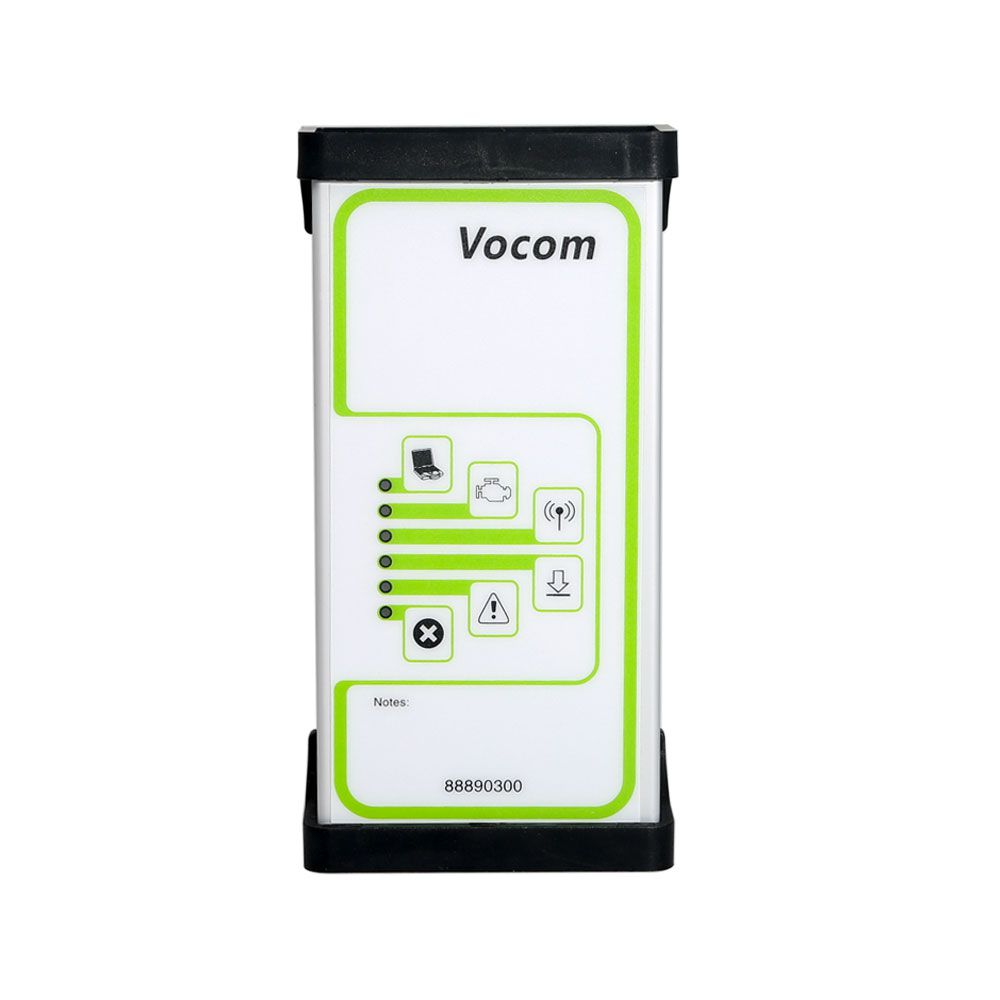
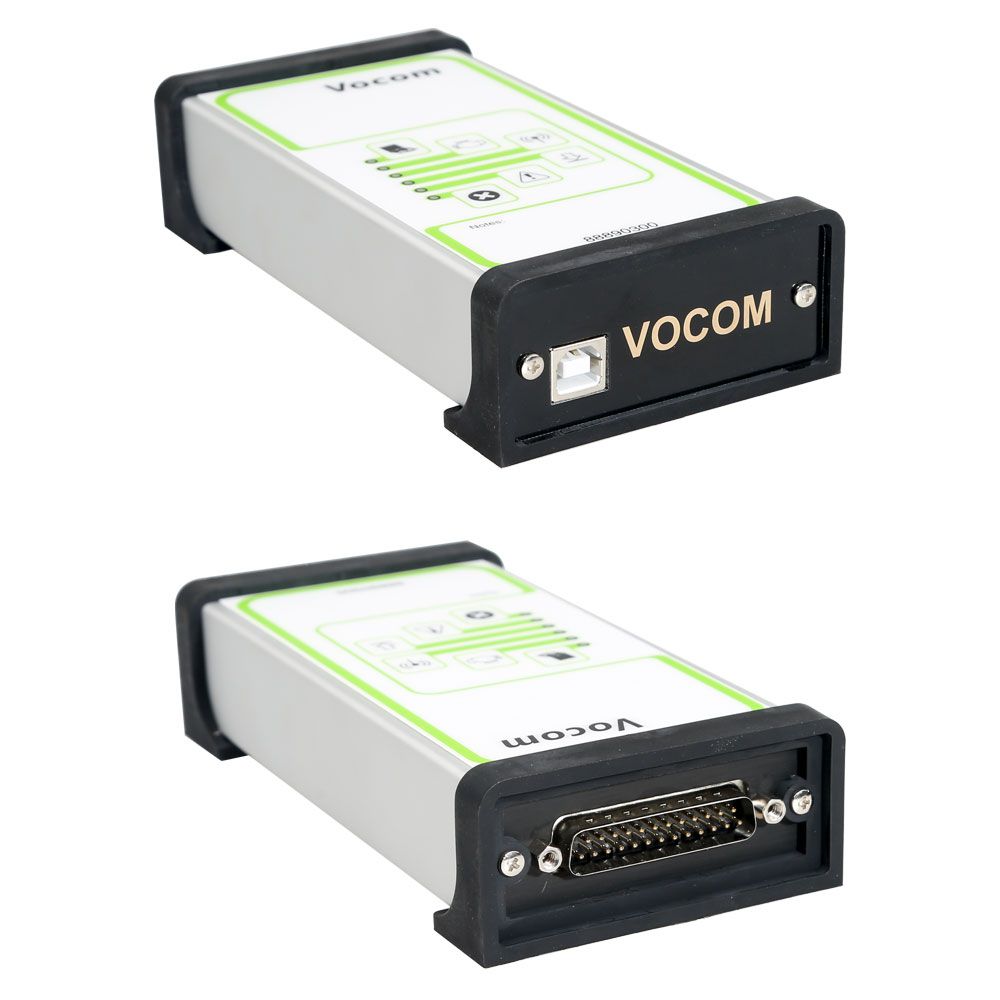
Volvo 88890300 Vocom Interface PTT 2.7.9 Support WIFI connection


2-3

Volvo 88890300 Vocom Interface PTT 2.7.9 Support WIFI connection for Volvo/Renault/UD/Mack Truck Diagnose

 Top 3 Reasons to Get Volvo 88890300 Vocom:
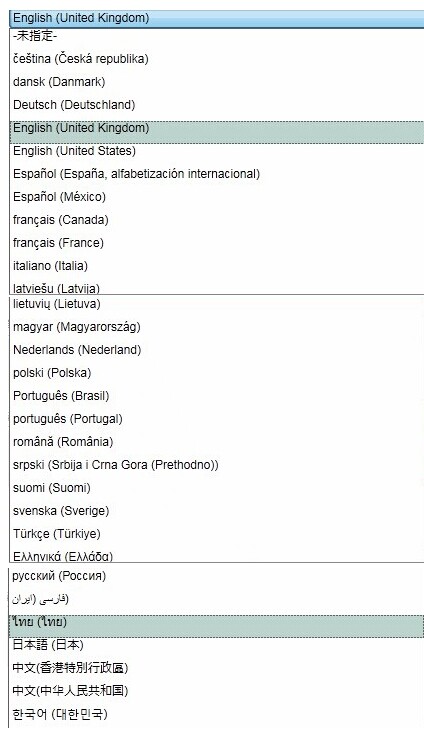
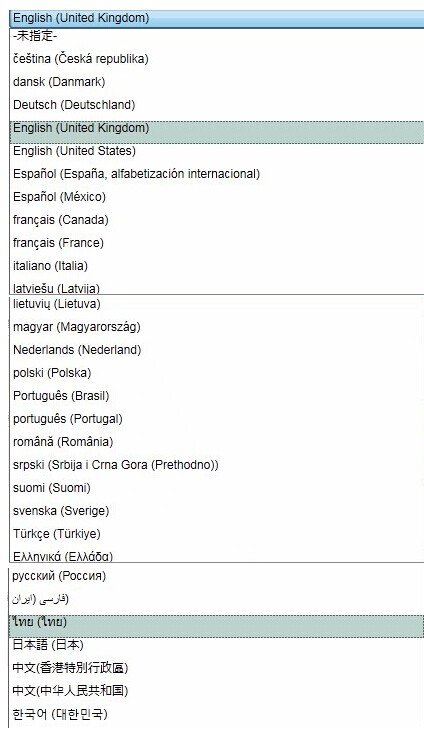
1. Multi-Languages
2. Support Volvo Renault UD Mack Truck Diagnose
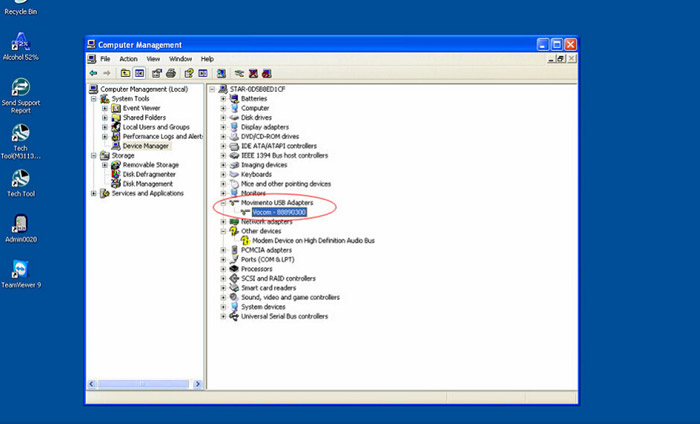
3. OS requires: WindowXP or Window7 32bit Professional

Volvo 88890300 Vocom Advantage:
1. Volvo 88890300 Vocom Interface is a diagnostics application that covers the whole repair process through the use of plug-ins.
2. With Volvo 88890300 Vocom Interface you can diagnose, test, calibrate, and program a product. A product could be a vehicle, engine, or a machine.
3. Volvo 88890300 Vocom Interface provide functions for updating the tool, communication with the product, and other external applications. The set of plug-ins, user authorizations, and available languages is adjustable to provide every user with what they need.
4. This device support WIFI connection.
Here 5 steps to set WIFI:
1), use USB cable, go to ptt , setting, Communication unit configuration , configure, ‘USB+Directly to Communication unit’
2), ‘Direct’ ->’Restore default values’-‘Apply’-‘Ok’
3), Click Ok again.  Then disconnect usb cable,
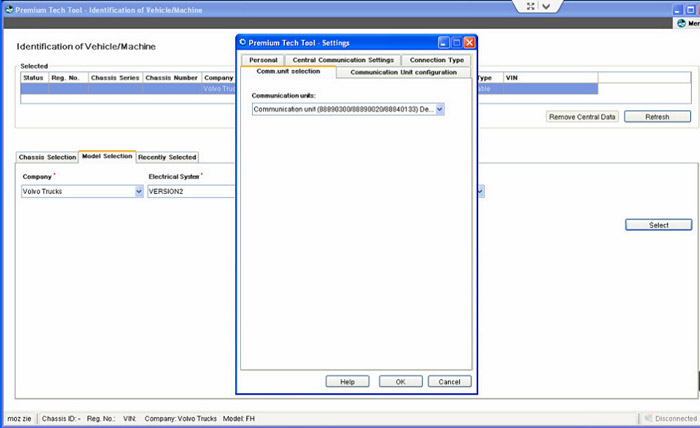
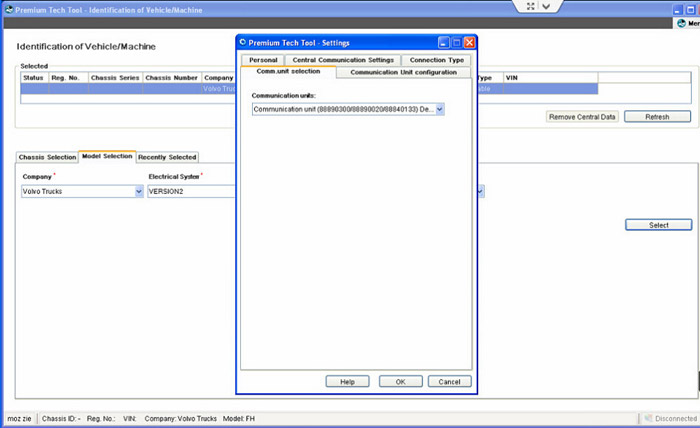
4), go to Setting->’Comm.unit Selection’ -. ‘Communication unit 8889300 ….Nickname’
5), now your can use signal get wireless signal.
All ok

Volvo 88890300 Vocom Interface Supported companies and electrical systems:
Volvo Trucks (Older electrical system, Vehicle electronics ’98, V2, V3, V4);
Volvo Buses (Conventional, Multiplexed, Multiplexed v2, Multiplexed v3);
Volvo Construction Equipment;
Volvo Penta (VERSION2);
Volvo OEM Component Customer (VERSION2);
Mack Trucks (V-MAC I/II/III, ITC, IV, IV+);
Renault Trucks (VERSION2);
UD Trucks (VERSION2)

Volvo 88890300 Vocom Interface Functions:
Identify a product.
View information history.
Diagnose a selected product.
Test a selected product.
Program a selected product.
Calibrate a selected product.

Volvo 88890300 Vocom Interface Software Display:
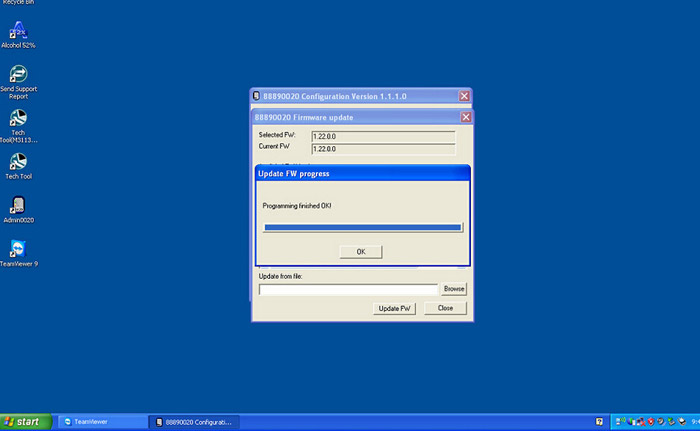
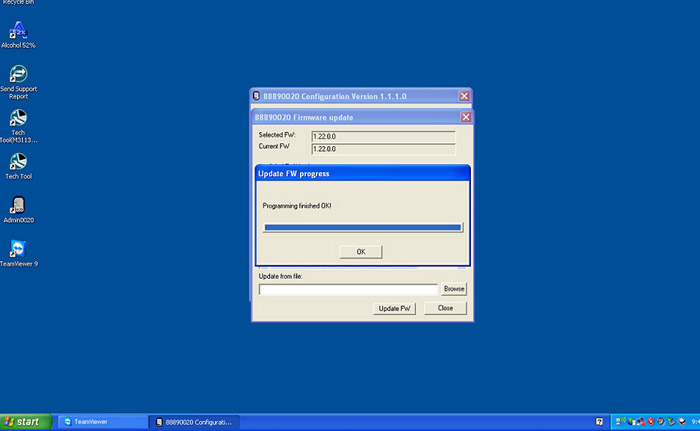
12-2
12-3

12-4

Package list:   
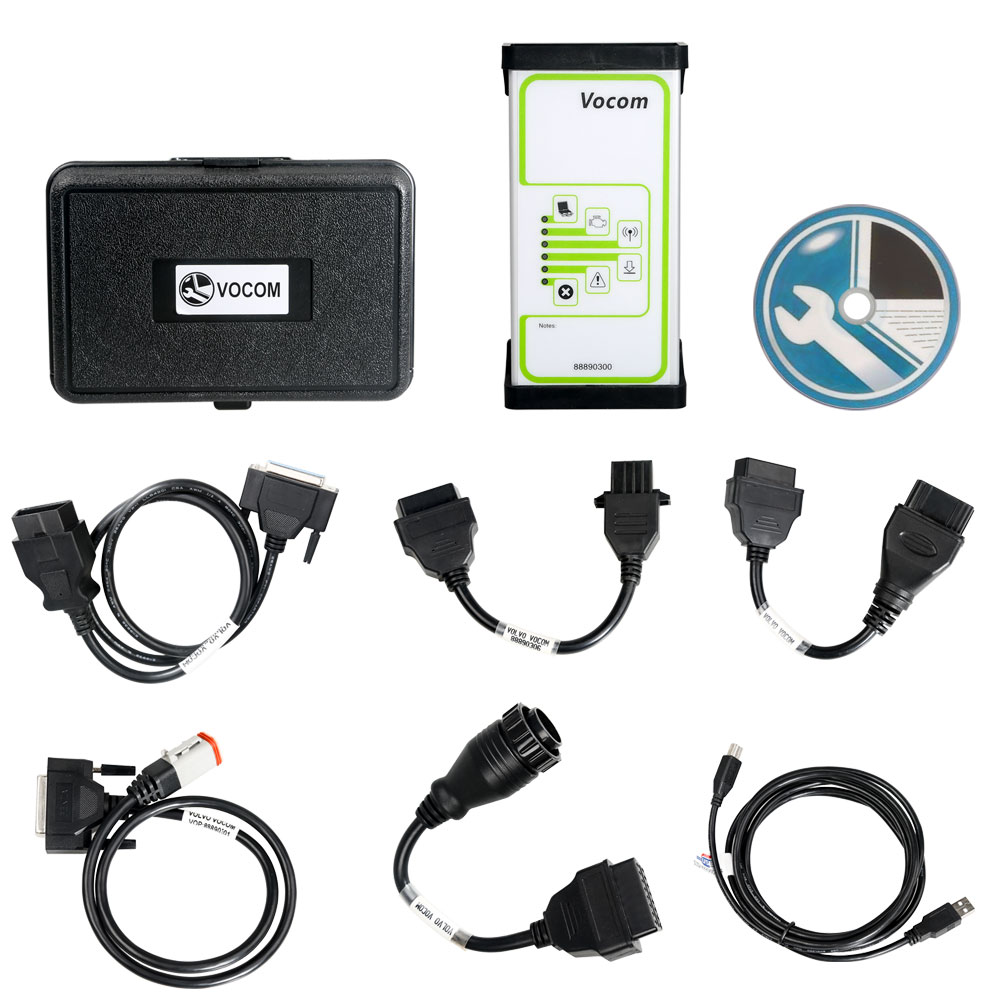
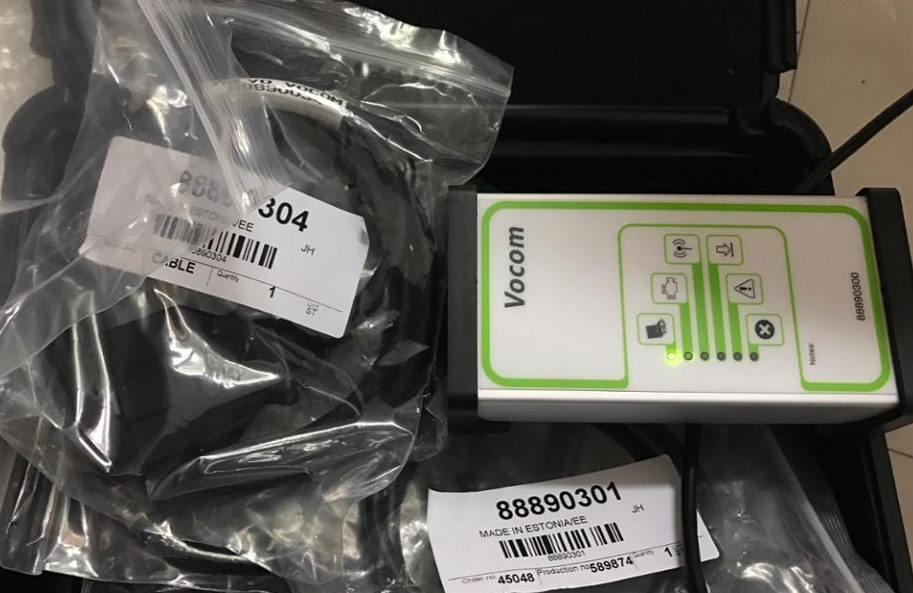
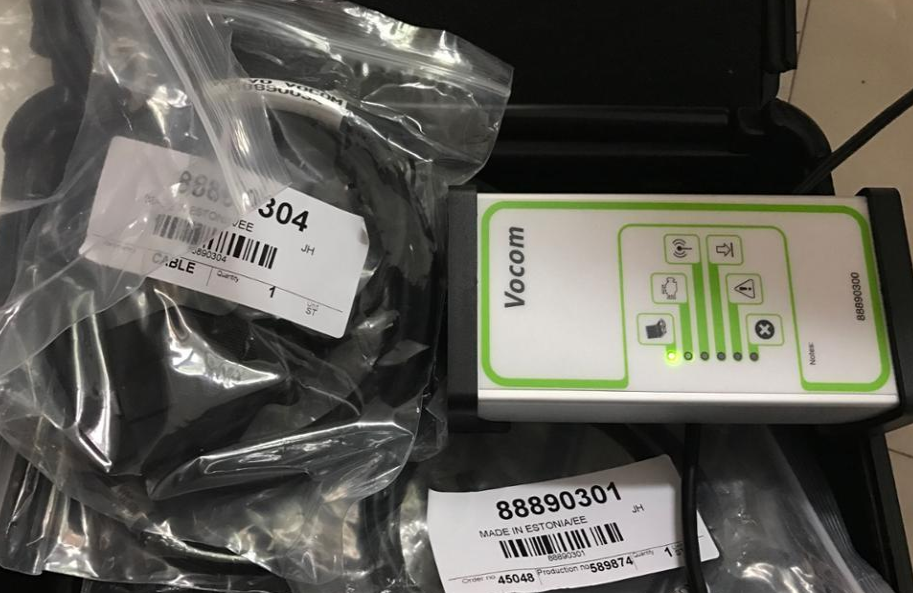
1 pc x   88890300 Vocom Interface
1 pc x   OBD2 Cable
1 pc x   8pin Cable
1 pc x   14pin Cable
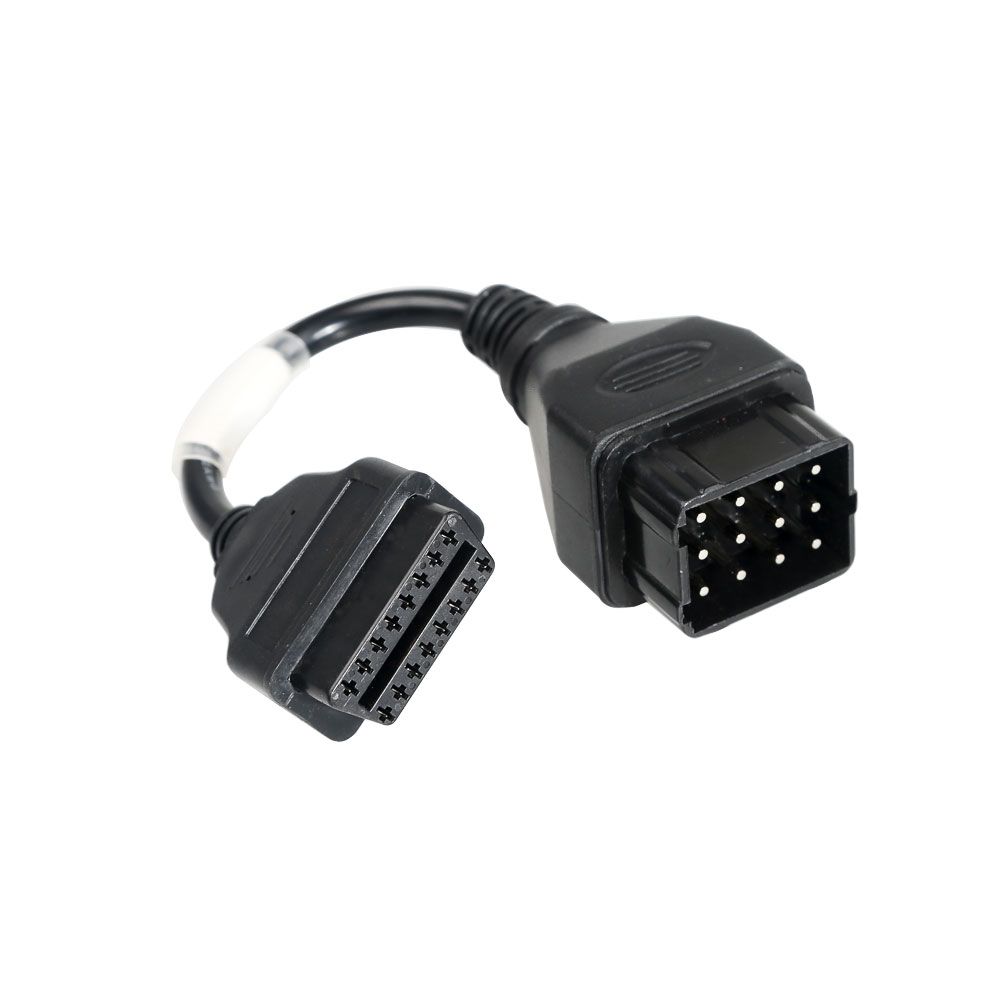
1 pc x   12pin Cable for Renault trucks
1 pc x    USB cable
1 pc x    PTT 2.7.9

2-4

Volvo 88890300 Vocom Interface Update Online


Volvo 88890300 Vocom Interface for Volvo/Renault/UD/Mack Truck Diagnose Update Online

15

Highlights of Volvo 88890300 Vocom:

1. Support Volvo Renault UD Mack Truck Diagnose
2. Multi-Languages

12-1


3.OS requires: Window XP or Window7 32bit

Volvo 88890300 Vocom Interface Sofware:
1. If you choose the property 1, PTT1.12 version of the software, you need to install the software yourself. Software requirements are installed on the Windows 7 system
2. If you choose the property 2 or 3, PTT2.5.87 or PTT2.7.75 version of the software, please prepare an IBM or Lenovo laptop, the hard disk installed into the laptop can be used directly.
 
Vocom Interface Description:
Volvo 88890300 Vocom Interface is a diagnostics application that covers the whole repair process through the use of plug-ins. With Volvo 88890300 Vocom Interface you can diagnose, test, calibrate, and program a product. A product could be a vehicle, engine, or a machine. Volvo 88890300 Vocom Interface also provide functions for updating the tool, communication with the product, and other external applications. The set of plug-ins, user authorizations, and available languages is adjustable to provide every user with what they need.

Volvo 88890300 Vocom Interface Supported Companies and Electrical Systems:
Volvo Trucks (Older electrical system, Vehicle electronics ’98, V2, V3, V4);
Volvo Buses (Conventional, Multiplexed, Multiplexed v2, Multiplexed v3);
Volvo Construction Equipment;
Volvo Penta (VERSION2);
Volvo OEM Component Customer (VERSION2);
Mack Trucks (V-MAC I/II/III, ITC, IV, IV+);
Renault Trucks (VERSION2);
UD Trucks (VERSION2)
 
Volvo 88890300 Vocom Interface Functions:
Identify a product.
View information history.
Diagnose a selected product.
Test a selected product.
Program a selected product.
Calibrate a selected product.


Volvo 88890300 Vocom Interface Software Display:
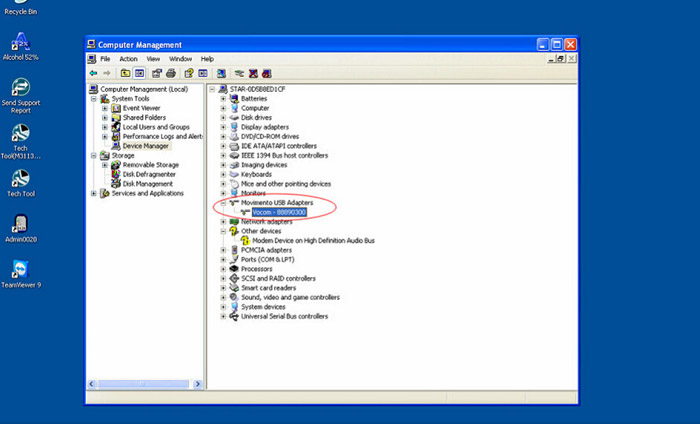
12-212-312-4


Vocom Interface Packing list:   
1 pc x   88890300 Vocom Interface
1 pc x   OBD2 Cable
1 pc x   8pin Cable
1 pc x   14pin Cable
1 pc x   12pin Cable for Renault trucks
1 pc x    USB cable
1 pc x    PTT 1.12(DVD) / PTT 2.5.87 (HDD) / PTT 2.7.75 (HDD) Software ( Optional )

2-3


For more information about Volvo Vocom Interface ,please visit our website sale@cnautotool.com


http://cnautotool.altervista.org/volvo-88890300-vocom-interface-update-online/

2021年1月11日星期一

About How to Setting WIFI Connection for Volvo 88890300 Vocom Interface ?


How to Setting WIFI Connection for Volvo 88890300 Vocom Interface ?

2-3

Volvo 88890300 Vocom Interface is a diagnostics application that covers the whole repair process through the use of plug-ins. With Volvo 88890300 Vocom Interface you can diagnose, test, calibrate, and program a product. Volvo vocom support wifi for Volvo/Renault/UD/Mack , so how to setting the wifi connection when you use it ?


Lets check the steps :

1.Please use the USB cable adapter connect with your laptop and Vocom main unit .

2-4
    www.cnautotool.com

2.Go to open Volvo PTT software. Choose “Setting” → “Communication unit configuration”→ “Configure”→ “USB+ Directly to Communication unit”.

3.Choose “Direct” → “Restore default values” → “Apply” → “OK”.

4.Click OK again then disconnect the USB cable from laptop.

5.Go to “Setting” → “Comm.unit Selection” → “Communication unit 8889300 ….Nickname”

6.Now you can use signal and get wireless signal. All OK. In this way you can set Volvo Vocom 88890300 Interface WIFI connection easily and successfully

2020年12月4日星期五

Volvo 88890300 Update Online


Volvo 88890300 Vocom Interface for Volvo/Renault/UD/Mack Truck Diagnose Update Online

 Highlights of Volvo 88890300 Vocom:
1. Support Volvo Renault UD Mack Truck Diagnose
2. Multi-Languages
3.OS requires: Window XP or Window7 32bit

11-1
Volvo 88890300 Vocom Interface Sofware:
1. If you choose the property 1, PTT1.12 version of the software, you need to install the software yourself. Software requirements are installed on the Windows 7 system
2. If you choose the property 2 or 3, PTT2.5.87 or PTT2.7.75 version of the software, please prepare an IBM or Lenovo laptop, the hard disk installed into the laptop can be used directly.

Vocom Interface Description:
Volvo 88890300 Vocom Interface is a diagnostics application that covers the whole repair process through the use of plug-ins. With Volvo 88890300 Vocom Interface you can diagnose, test, calibrate, and program a product. A product could be a vehicle, engine, or a machine. Volvo 88890300 Vocom Interface also provide functions for updating the tool, communication with the product, and other external applications. The set of plug-ins, user authorizations, and available languages is adjustable to provide every user with what they need.

Volvo 88890300 Vocom Interface Supported Companies and Electrical Systems:
Volvo Trucks (Older electrical system, Vehicle electronics ’98, V2, V3, V4);
Volvo Buses (Conventional, Multiplexed, Multiplexed v2, Multiplexed v3);
Volvo Construction Equipment;
Volvo Penta (VERSION2);
Volvo OEM Component Customer (VERSION2);
Mack Trucks (V-MAC I/II/III, ITC, IV, IV+);
Renault Trucks (VERSION2);
UD Trucks (VERSION2)

Volvo 88890300 Vocom Interface Functions:
Identify a product.
View information history.
Diagnose a selected product.
Test a selected product.
Program a selected product.
Calibrate a selected product.

Volvo 88890300 Vocom Interface Software Display:
11-2
11-3

Vocom Interface Packing list:   
1 pc x   88890300 Vocom Interface
1 pc x   OBD2 Cable
1 pc x   8pin Cable
1 pc x   14pin Cable
1 pc x   12pin Cable for Renault trucks
1 pc x    USB cable
1 pc x    PTT 1.12(DVD) / PTT 2.5.87 (HDD) / PTT 2.7.75 (HDD) Software ( Optional )
2-4


2020年11月26日星期四

Volvo 88890300 Vocom Interface for Volvo/Renault/UD/Mack Truck Diagnose Update Online


Volvo 88890300 Vocom Interface for Volvo/Renault/UD/Mack Truck Diagnose Update Online

Highlights of Volvo 88890300 Vocom:
1. Support Volvo Renault UD Mack Truck Diagnose
2. Multi-Languages
3.OS requires: Window XP or Window7 32bit

Volvo 88890300 Vocom Interface Sofware:
1.Software version: PTT2.5.87, software come with package for free, this software must installed on Windows XP system computer. Support Multi-languages.
2. Software version: PTT2.04/3.02. This is latest software version. This software need additional purchase, price is
229usd. Support install on Windows 7, support multi-languages.
3.If you want to buy NG3 NG10 software,you need pay another 200USD for software and activation totally

Vocom Interface Description:
Volvo 88890300 Vocom Interface is a diagnostics application that covers the whole repair process through the use of
plug-ins. With Volvo 88890300 Vocom Interface you can diagnose, test, calibrate, and program a product. A product could be a vehicle, engine, or a machine. Volvo 88890300 Vocom Interface also provide functions for updating the OBD2 Scanner, communication with the product, and other external applications. The set of plug-ins, user authorizations, and available languages is adjustable to provide every user with what they need.

Volvo 88890300 Vocom Interface Supported Companies and Electrical Systems:
Volvo Trucks (Older electrical system, Vehicle electronics ’98, V2, V3, V4);
Volvo Buses (Conventional, Multiplexed, Multiplexed v2, Multiplexed v3);
Volvo Construction Equipment;
Volvo Penta (VERSION2);
Volvo OEM Component Customer (VERSION2);
Mack Trucks (V-MAC I/II/III, ITC, IV, IV+);
Renault Trucks (VERSION2);
UD Trucks (VERSION2)

Volvo 88890300 Vocom Interface Functions:
Identify a product.
View information history.
Diagnose a selected product.
Test a selected product.
Program a selected product.
Calibrate a selected product.

Volvo 88890300 Vocom Interface Software Display:
51-1
51-3
51-4
51-6

Vocom Interface Package list:   
1 pc x   88890300 Vocom Interface
1 pc x   OBD2 Cable
1 pc x   8pin Cable
1 pc x   14pin Cable
1 pc x   12pin Cable for Renault trucks
1 pc x    USB cable
1 pc x    PTT2.5.87 Software DVD

2019年1月25日星期五

How to set wifi for volvo 88890300 vocom step by step


Volvo 88890300 Vocom Truck Diagnostic  WIFI version.Here we make  a introdution of how to set wifi  for volvo 88890300 vocom step by step .

Step1:

Connect Volvo Vocom with computer via USB cable.

Start PPT software

Click on [Menu] and click [Settings]

Step2:

Click [Communication unit configuration]->[configuration]

And choose [USB+Directly to Communication unit]

Click [Direct]->[Restore default values]->OK-> [Apply]

Step3:

Click OK then Disconnect USB cable.

Step4:

Go to [Settings]->[Comm.unit Selection]->[Communication unit 8889300 ….Nickname], then click OK

Set up success!Now you can use signal get wireless signal.

PTT2.5.87 Volvo 88890300 Vocom Interface for Volvo/Renault/UD/Mack Truck Diagnose Update Online