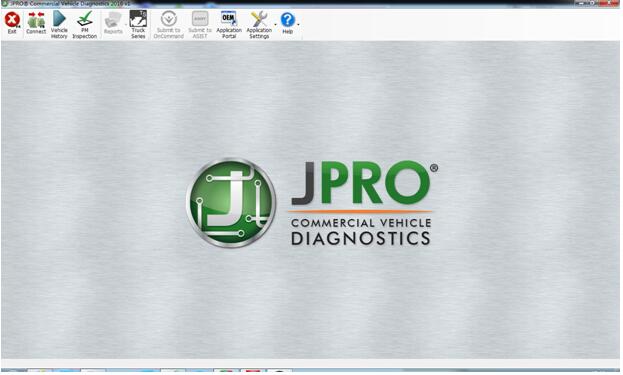
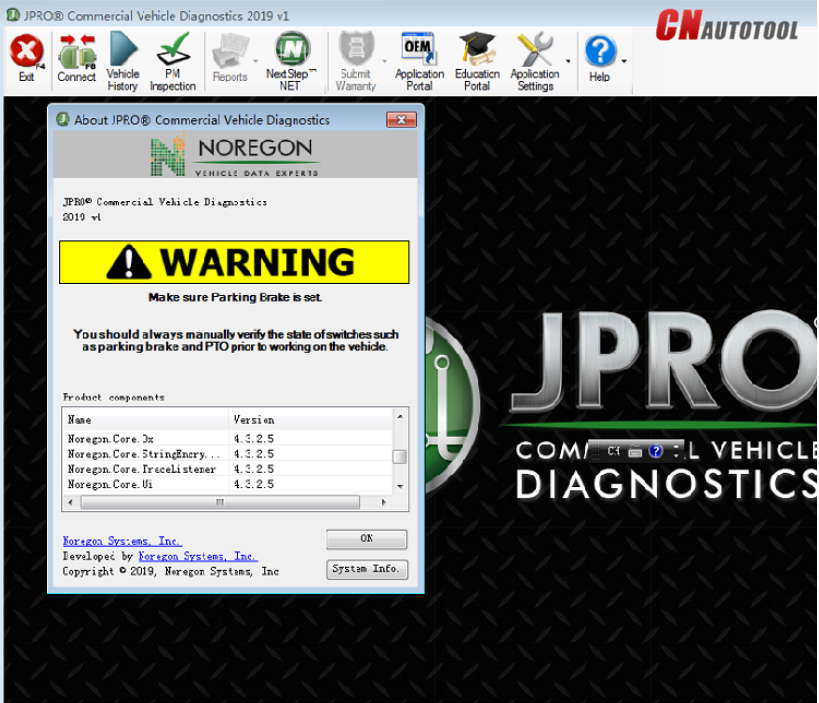
The JPRO diagnostic tool is the most complete commercial vehicle diagnostic tool

Description:
Everything you need to diagnose and repair heavy & medium-duty vehicles.
JPRO Professional truck scanner is the most comprehensive and powerful all makes, all models diagnostic tool available in the industry today. In one, easy annual subscription, JPRO provides a complete & unparalleled diagnostic service & repair solution with bi-directional functionality.
Next Step Service Information module helps speed up repair times by providing users with detailed engine repair information and troubleshooting guides for ABS and Transmissions – with the click of a button.
Noergon’s DLA+ 2.0 adapter is a diagnostic communication device designed to interface between a vehicle and PC via USB cable for diagnostic and vehicle information, re-programming or parameter adjustments.
JPRO Truck Dignostic Tool Features:
1.Includes Heavy-Duty Modules: Mack, Volvo, Cummins, Detroit Diesel, International & PACCAR
2.Includes Medium-Duty Modules: Ford, GM, Isuzu & Sprinter
3.Bi-Directional Controls – Perform parameter changes (Mack &
Volvo), DPF Regens (Mack, Volvo, Cummins, Detroit Diesel, International
& PACCAR) & bi-directional tests with proprietary data &
faults
4.OE Level Fault Code Information – Display over 99% of Heavy-Duty &
Medium-Duty fault codes with detailed OEM level component and trailer
descriptions
5.Fault Management – Clears faults and diagnoses all vehicle components in a single, easy to use application
6.Vehicle Reporting – View and print log files, including: Vehicle Health, Trip Reports & LOV Reports
7.Store & Save Data – Record data log files for playback at a later time, even away from the truck
8.Total Vehicle Health Status – See the entire vehicle in one pass on
one screen + Up-to-Date – Provides 99% coverage of all heavy-duty truck
DTCs through 2016
JPRO Heavy Duty Dignostic Tool Includes:
1.Software on DVD-ROM with Keygen and Drivers
2.JPRO DLA+ 2.0 Adapter Cable
3.Heavy-Duty Vehicle Cables (6-pin, 9-pin, OBD-II Type-B cable for Mack & Volvo)
4.Medium-Duty Type-B OBDII Cables (Ford, GM, Sprinter/Hino/Isuzu, Mack & Volvo)
5.USB Cable

JPRO Heavy Duty Scanner Installation Notes:
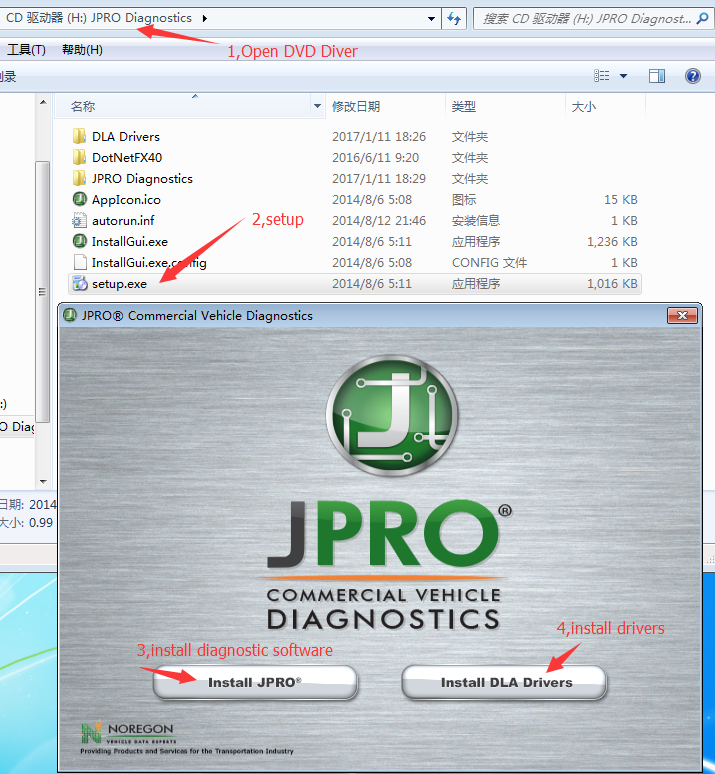
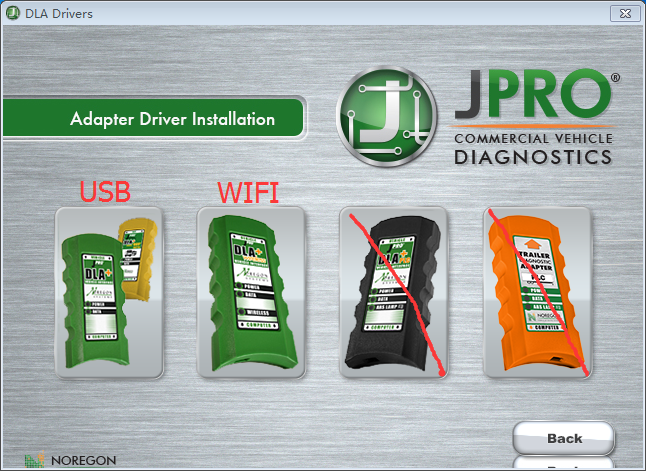
This product is USB version, not WIFI version, please select the USB version driver. The installation steps are as follows:
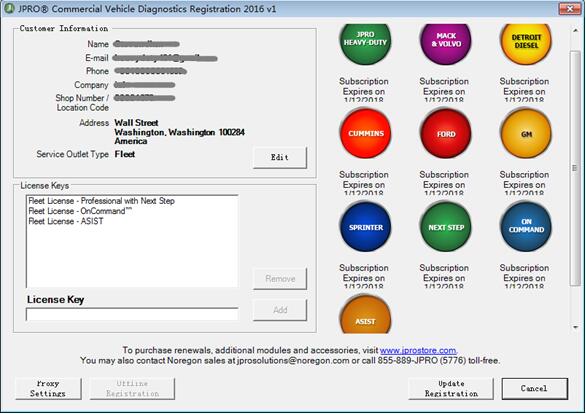
Jpro Diagnostic Fleet Active:
first,close antivirus software in your computer,then copy the Activator
to your computer harddisk ,run JproRegisterV2,it will auto run and
active the software ,don’t click mouse or keyboard in the time